Label mockup at true size on a photo of the pack
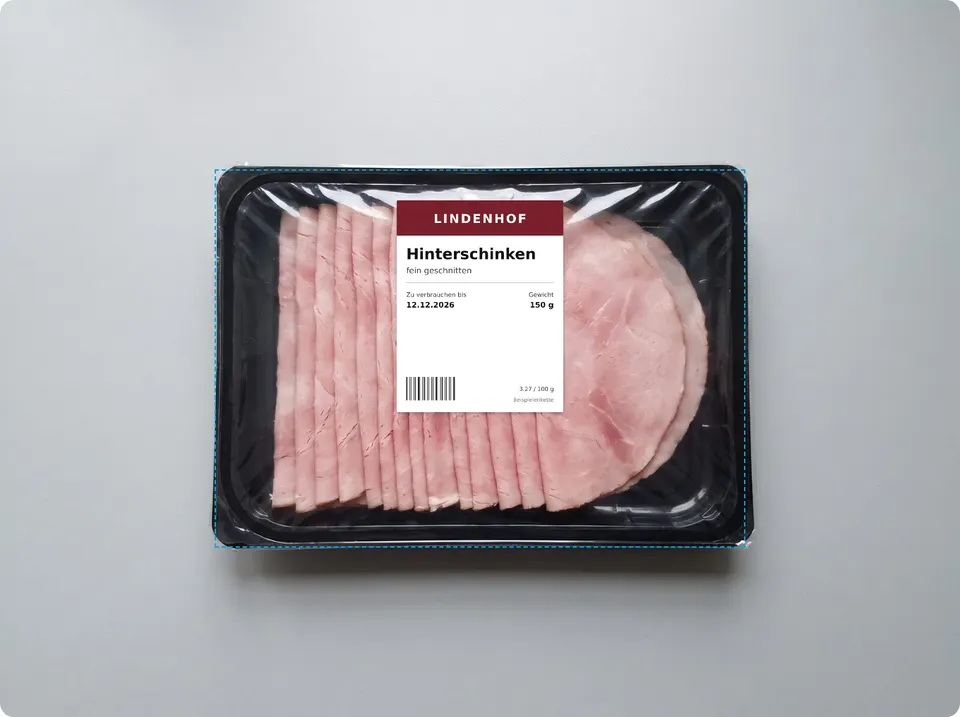
A label mockup with Packshots places your label from the print file at its true size in mm on a photo of the pack. Text and layout stay exactly as in the file; only light, shadow and gloss are matched to the photo.
Drop the die-cut PDF here
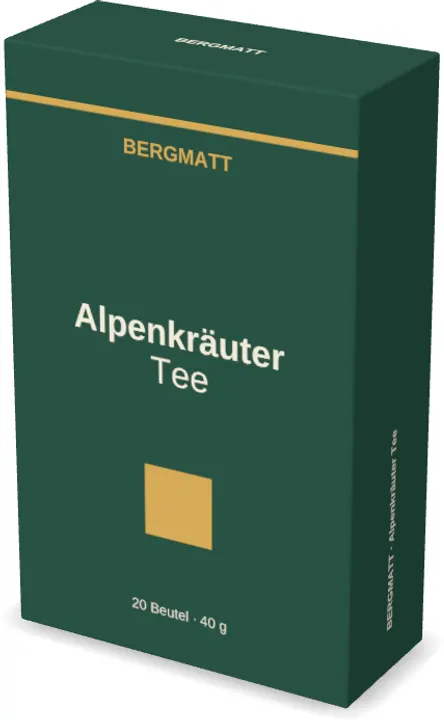
Straight folding carton, die line on its own layer.
Drop your label here
PDF, PNG or JPG.
Stays in your browser. Nothing is uploaded.
How the image is made
Upload a photo of the pack, add the label as PNG or print PDF and enter the label and pack dimensions in mm. The preview shows at once where the label sits. You can move it with one drag; the size stays tied to the pack.
Why it does not look pasted on
An image model cuts out the pack and computes light, shadow, gloss and grain. The label is then inserted as the original and matched. The image reads as one shot, and not a single letter changes.
Which files work
Photos as JPEG, PNG or WebP, phone photos included. Labels as PNG or print PDF. The dimensions in mm are on the data sheets of the label and the pack.
What it is for
Product images before the label is printed: retailer listings, online shops, sales material. Film, tray or tub keep the shape and look of your photo.
Questions
How is this different from an ordinary mockup?
An ordinary mockup puts the artwork on a template or lets a model redraw it. Here the pack is your own photo and the label is the original at its true size.
How does the studio know the size?
You enter the label and pack dimensions in mm. The scale follows from them, whatever the aspect ratio of the image.
Is a phone photo enough?
Yes. A steady top-down photo in even light is enough. The studio cuts out the pack and puts it on the background you need.
Can I use the label's print PDF?
Yes. The label is taken from the PDF as it will be printed.