Dieline to 3D box, straight from your print PDF
Packshots folds your print PDF with its dieline into a 3D folding carton in the browser and detects its dimensions in mm. From that you get a packshot in which the print comes exactly from your file.
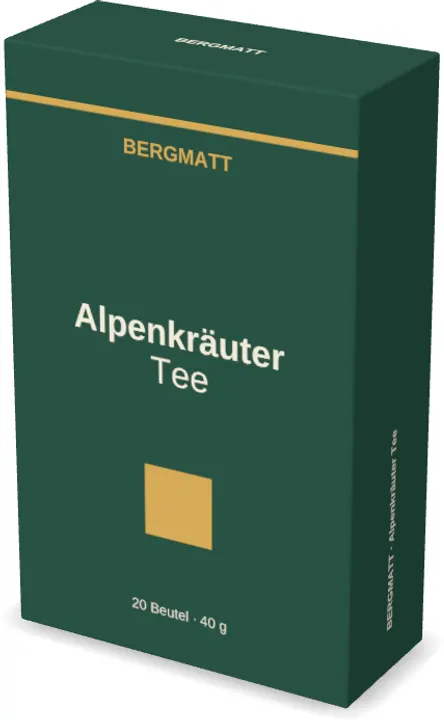
Drop the die-cut PDF here
Straight folding carton, die line on its own layer.
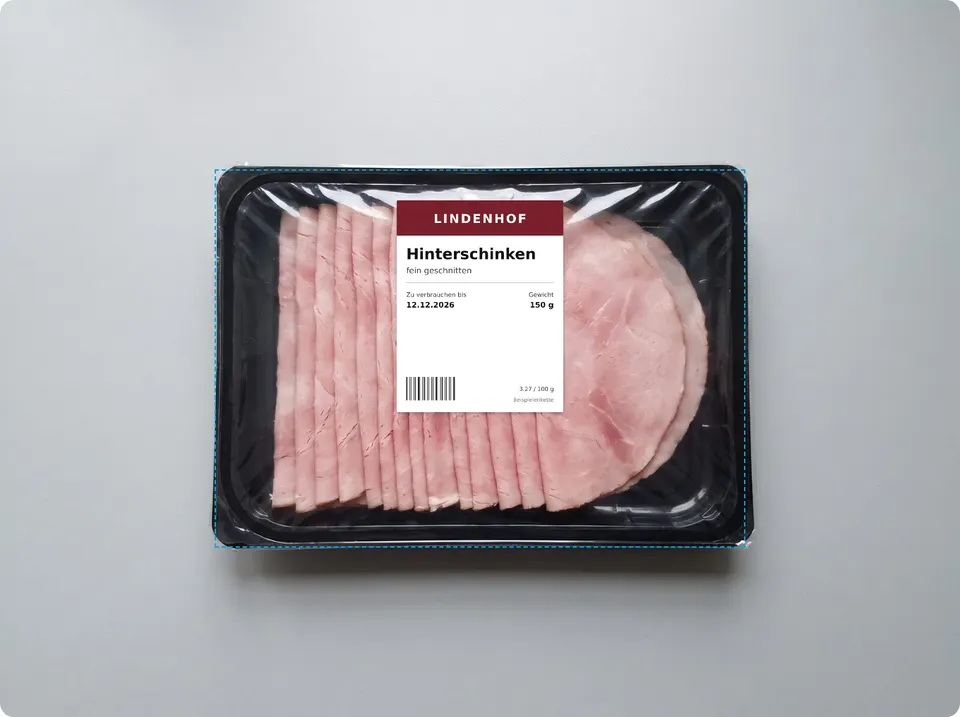
Drop your label here
PDF, PNG or JPG.
Stays in your browser. Nothing is uploaded.
How it folds
The PDF is split into artwork and die line. On the die line the side panels, glue flap and end flaps are detected, the dimensions in mm are read and the carton is folded with the print at up to 600 dpi.
Three views
Angled, front and lying: turn the carton with mouse or finger and pick the view for the packshot. The camera is stored in the project as a description, so the same view can be made again later.
Light from the model, print from the file
An image model computes light and shadow for the chosen view. Then the print is taken back from your rendering. Text, codes and colour areas stay as they are in the PDF.
What works and what does not
Today straight folding cartons with four side panels and flaps at the ends work. Windows, trays, sleeves, bags and dielines without their own layer or spot colour do not work yet; the demo tells you when a file does not fit.
Questions
Which PDF do I need?
The print PDF of the flat carton, with the die line as its own layer or spot colour. Artwork without a die line is not enough.
Do I need 3D software?
No. Detection and folding run in the browser, with nothing to install and no 3D skills needed.
Where do the dimensions come from?
From the die line in the PDF. The studio shows length, width and height in mm before folding.
Which carton types work?
Straight folding cartons with four side panels and flaps at the ends. Other shapes will follow.